






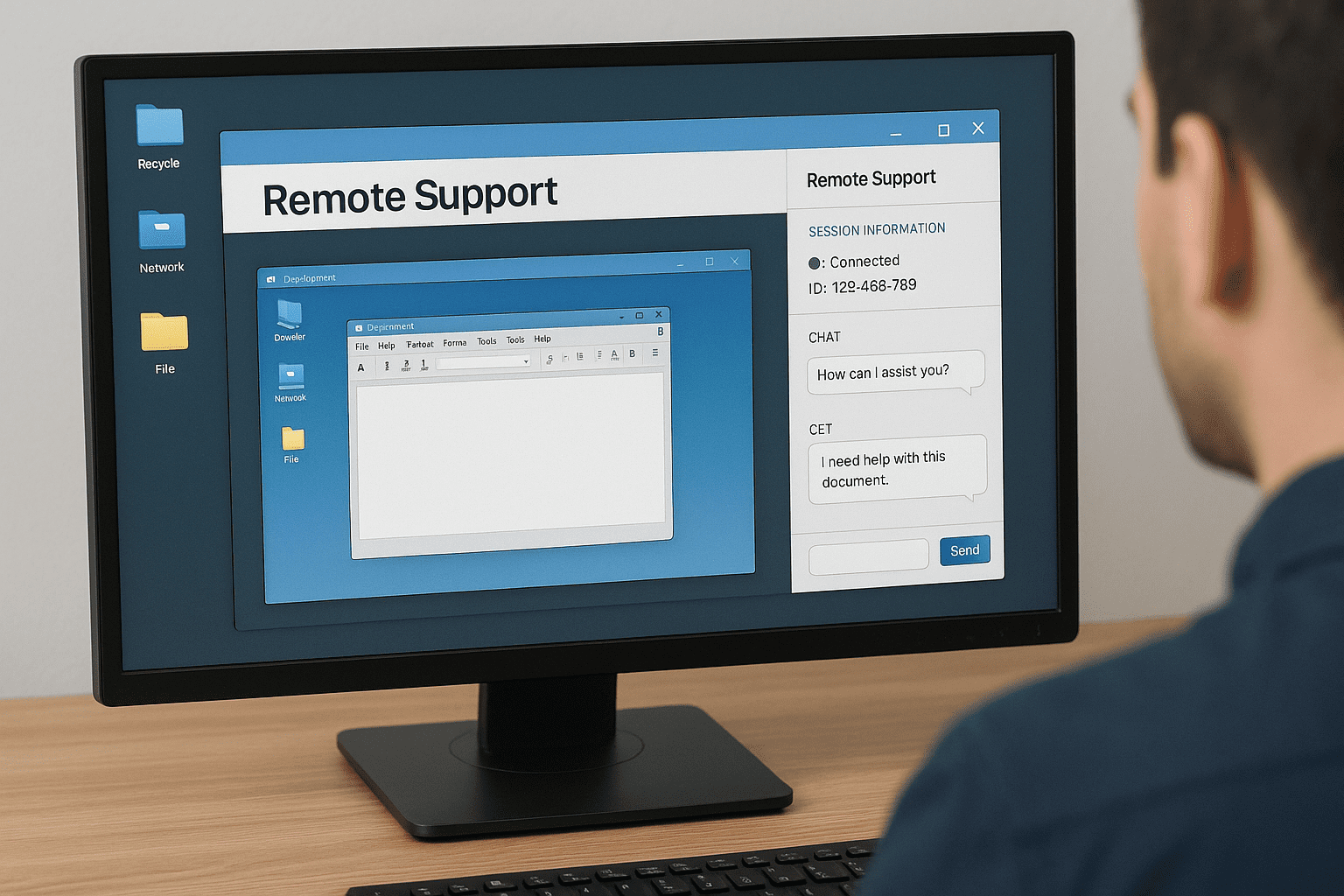
7 Powerful TeamViewer Alternatives to Boost Your Remote Collaboration
Searching for the best TeamViewer alternatives? Discover top remote desktop solutions that offer fast performance, easy setup, and robust security features.

Is TeamViewer Not Quite Cutting It Anymore? You’re Not Alone.
TeamViewer has been a go-to for remote desktop access for years. It lets you take control of another computer from anywhere, which is super handy. But let’s be honest—sometimes it falls short, whether it’s because of pricing, limitations, or just not having the features you really need.
That’s why more and more people are on the hunt for TeamViewer alternatives that better suit their workflow or budget. If you’re in the same boat, this article’s for you. We’ve rounded up seven solid alternatives that are easy to use, fast, and packed with helpful features for smoother remote collaboration.
Why You Might Want to Look Beyond TeamViewer
TeamViewer is solid—but it’s not perfect for everyone. Here’s why you might be considering a switch:
- You’re looking for something more budget-friendly.
- You need features like multi-monitor support, better file sharing, or smoother collaboration tools.
- Your team isn’t super tech-savvy, so you want something simpler.
- You want better integration with the tools you already use.
If any of that sounds familiar, read on—we’ve got some great options to explore for TeamViewer Alternatives.
1. AnyDesk – Fast, Lightweight, and Reliable
AnyDesk is a fan favorite for its speed and simplicity. It’s one of the quickest remote desktop tools out there, making it perfect for developers, IT support, or anyone who needs real-time control without lag.
Why people love it:
- Super smooth screen sharing with high frame rates
- Lightweight install that doesn’t bog down your system
- Works across Windows, macOS, Linux, iOS, and Android
Want to dive deeper? Check out AnyDesk’s official site for more info and pricing.
2. Splashtop – Best Bang for Your Buck
Splashtop strikes a nice balance between performance and price. It’s one of the most affordable options out there without cutting corners on quality.
Top features:
-
Budget-friendly plans, even for teams
-
Excellent audio and video streaming quality
-
Secure sessions with AES 256-bit encryption
If you’re trying to keep costs low but still want a solid remote desktop experience, Splashtop is worth a look.
3. Chrome Remote Desktop – Simple and Free
If all you need is basic remote access and you already use Chrome, this one’s a no-brainer. Chrome Remote Desktop is free, easy to use, and doesn’t require any extra software.
What’s great about it:
-
100% free—no strings attached
-
Setup takes just a few minutes
-
Works on almost any device
It’s not the most powerful tool on this list, but for simple tasks, it gets the job done.
4. Zoho Assist – Ideal for Zoho Users
Already using Zoho for things like CRM or project management? Zoho Assist might be your best bet. It fits right into the Zoho ecosystem and makes remote support a breeze.
Key perks:
-
Seamless integration with other Zoho apps
-
Remote access even when the end user isn’t there
-
Handy diagnostic tools for troubleshooting
If your business runs on Zoho, this is the remote tool that’ll feel the most natural.
5. Microsoft Remote Desktop – Great for Windows Fans
For those living in the Windows world, Microsoft Remote Desktop is a free, built-in solution that’s surprisingly capable. No subscriptions, no add-ons—just open it and go.
Why it’s a solid choice:
-
Completely free if you use Windows
-
Built right into the operating system
-
Secure and stable, especially within Windows networks
It’s not the flashiest tool, but if you’re all-in on Windows, it does the job well.
6. SupRemo – Light, Portable, and Scalable
SupRemo is a newer player in the remote support game, but it’s quickly gaining fans. It’s simple, lightweight, and doesn’t even require installation if you don’t want it to.
Standout features:
-
Can run as a portable app—no need to install
-
Works on all major platforms
-
Supports unattended access
If you’re after a no-hassle solution with solid functionality, SupRemo is worth trying.
7. LogMeIn – Built for Big Teams
If you’re managing a lot of remote machines or need a robust solution for a large IT department, LogMeIn delivers. It’s more expensive than others—but you get what you pay for.
Why it stands out:
-
Crisp HD sessions and strong performance
-
Centralized controls for managing lots of users
-
Built-in tools like file sharing and password management
It’s a powerful option for enterprises that need more than just basic access.
Final Thoughts: Which One Should You Choose from TeamViewer Alternatives?
There’s no universal “best” remote desktop tool—it all comes down to your specific needs. If speed and performance matter most, go with AnyDesk. On a budget? Splashtop or Chrome Remote Desktop are excellent. Already using Zoho? Then Zoho Assist makes total sense.
Take a little time to compare your options, think about what features are must-haves, and choose the tool that aligns with your workflow. You’ll be amazed at how much smoother remote work becomes when you’re using the right platform.
Read more>>> EV Revolution 2025: Latest Electric Car Trends and Innovations